
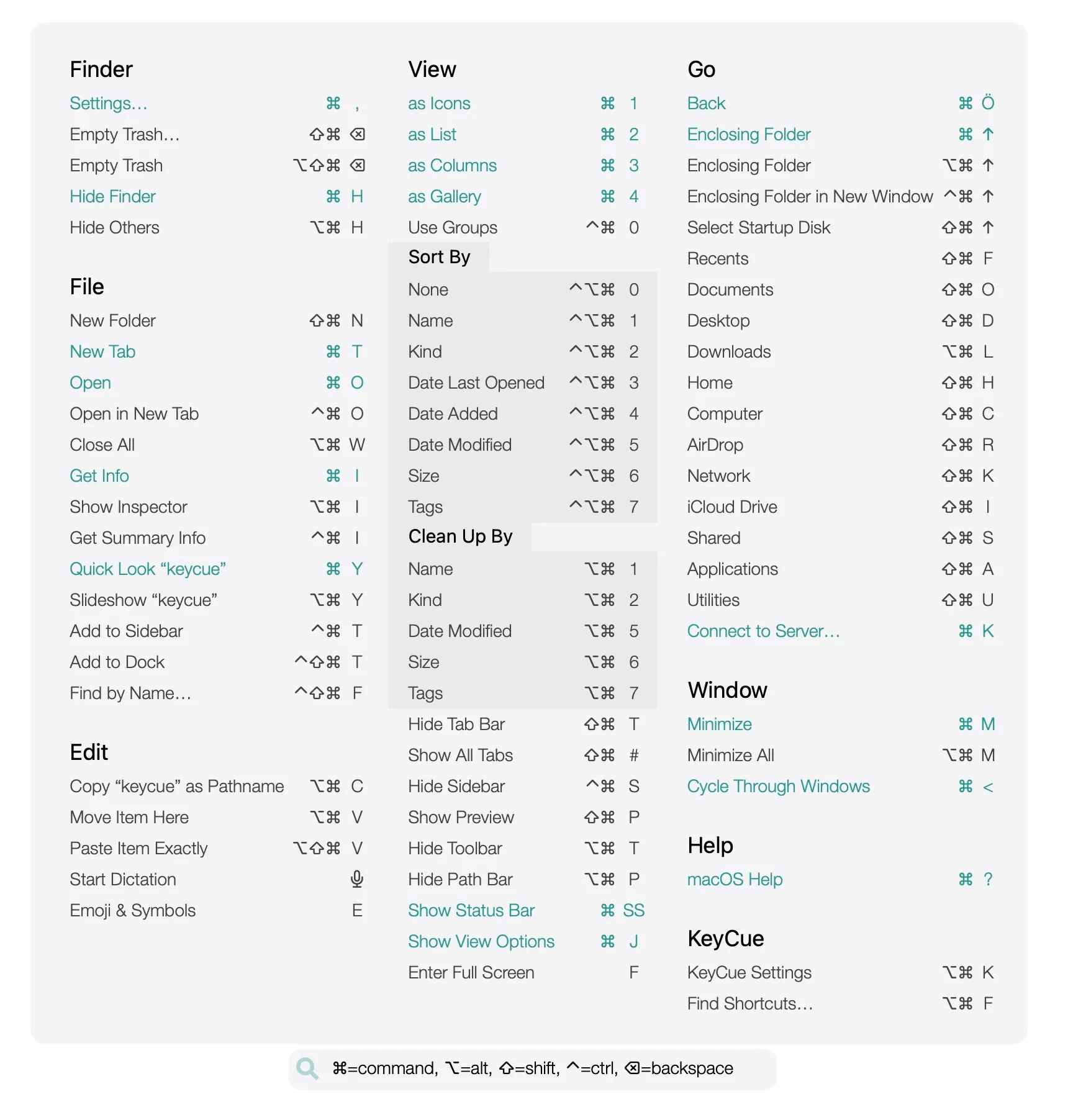
All shortcuts at a glance
See every keyboard shortcut in a comprehensive table, organized by application and category. KeyCue displays all available commands in any application. No more searching through menus or forgetting commands.
Visualize system-wide hotkeys
macOS offers powerful keyboard commands for navigation, screenshots, Spotlight, Exposé, and more. KeyCue's cheat sheet displays everything with a single hotkey.

Create and customize shortcuts tailored to your needs
Why stick to default shortcuts when you can do your own? Create custom shortcuts or overwrite existing ones directly from the menu bar. Set up frequently-used commands to fit your workflow.
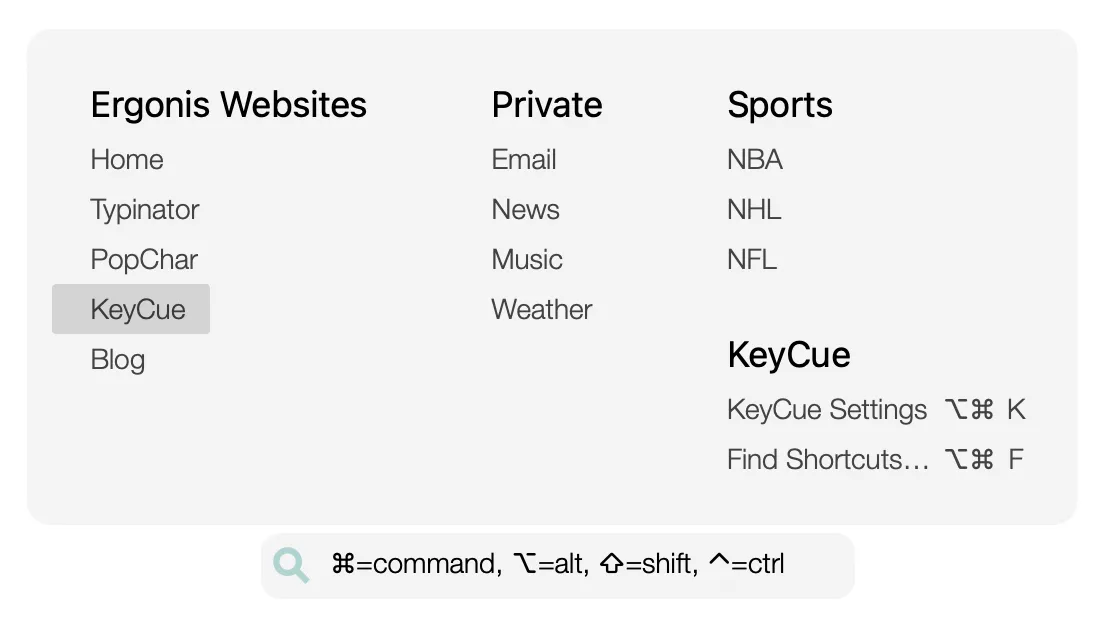
Quickly access frequently used URLs
Open your most-visited websites with a single shortcut. Create custom URL collections. Skip bookmarks.
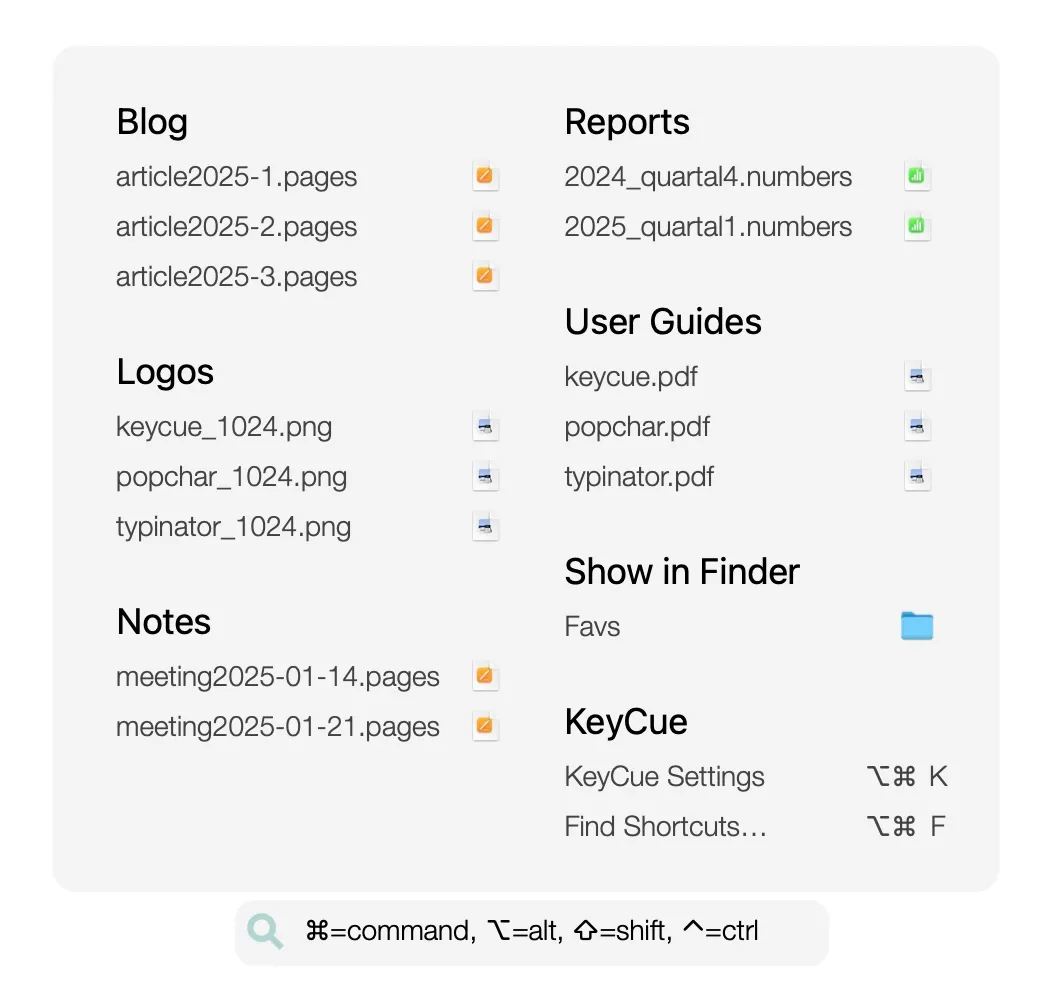
Open what you need with a single shortcut
Access your most-used files and folders instantly. Find and open what you need faster. No more clicking through Finder.

Explore emojis in no time
KeyCue includes a powerful emoji search. Find and insert any emoji instantly with keyword search or browse the complete collection. No more copying and pasting.