

Magnified precision
Zoom in on any character to see fine details and ensure pixel-perfect placement. Essential for designers who need precise typography.
Unveil keyboard shortcuts
Use the hidden power of your keyboard and reveal key equivalents for characters instantly. Learn shortcuts for frequently-used symbols and streamline your typing process.

Character search made easy
Search by name or by sketching a rough outline and PopChar will display matching characters instantly.
Quick access to frequent picks
PopChar lists your recently used characters for quick reuse and allows you to mark your favorites, ensuring your most used symbols are always at hand.

Compare characters in available fonts
See how any character looks across all avaiable fonts to find the perfect typeface for your design.
Detect missing characters
Never miss a character. PopChar identifies and highlights missing characters in the font, ensuring you have what you need. No more frustrating moments due to unavailable characters.

The power of ready-made layouts
Discover the power of ready-made layouts with PopChar. Use grouped and pre-arranged character layouts that optimize and speed up your workflows. Create and customize your own layouts, which allows you to organize essential characters according to your specific needs.

Preview text in different style
Craft your own sample text and let PopChar showcase it across different fonts. Discover in which fonts a specific character is available, ensuring the perfect match for your needs.
Streamlined font exploration
Get a real feel for how a font performs with PopChar’s preview feature. Explore different styles by creating and printing font sheets to showcase typefaces or save them for reference.
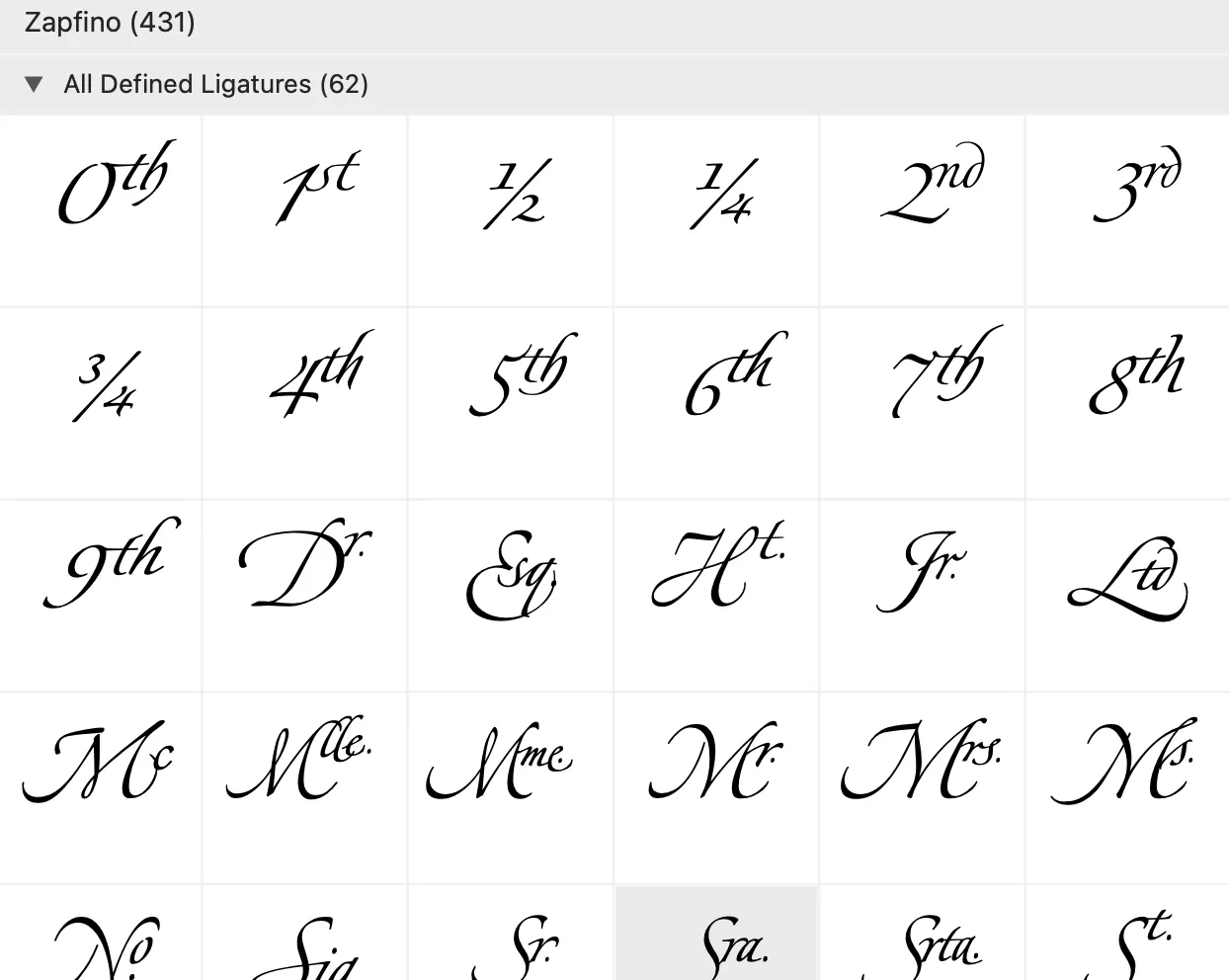
Discover ligatures
Ligatures, which appear and behave as single characters but consist of multiple characters, are easily findable in PopChar. They are showcased in a separate section at the end of the character table. Insert them with one click and PopChar automatically handles the correct character sequence for you.
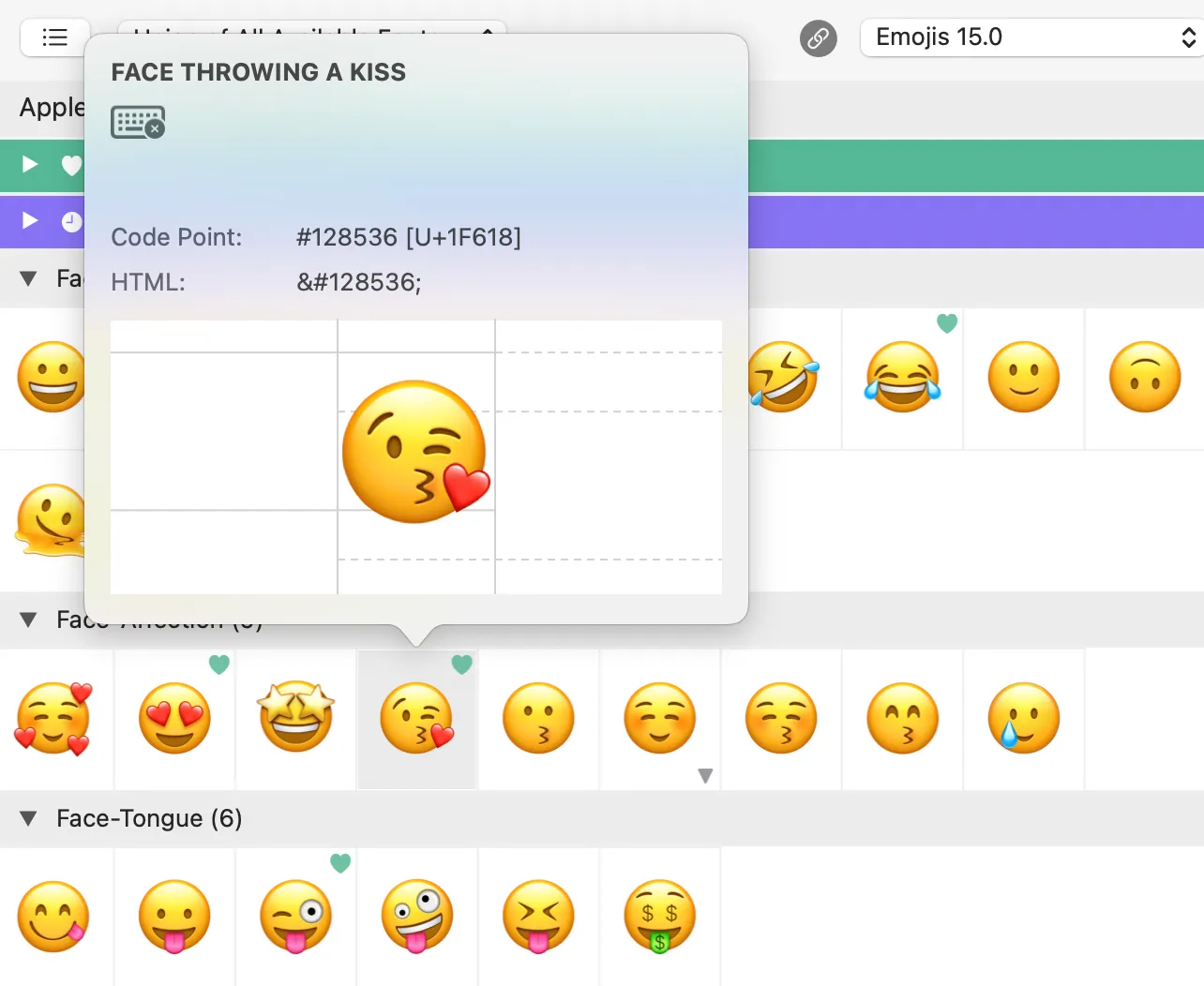
Effortless emoji access
Find emojis with a comprehensive overview. Search by keyword or browse through the collection. With just one click, insert your chosen emoji into your text.
Detailed emoji & flag search
Select your preferred skin tone variations for emojis. Looking for flags? Locate any flag you need or search by country names.

PopChar 💜 Typinator
Use both apps together for instant character access. Type "pop: smiling" in Typinator and PopChar displays ☺ instantly. Seamless integration for faster workflows.