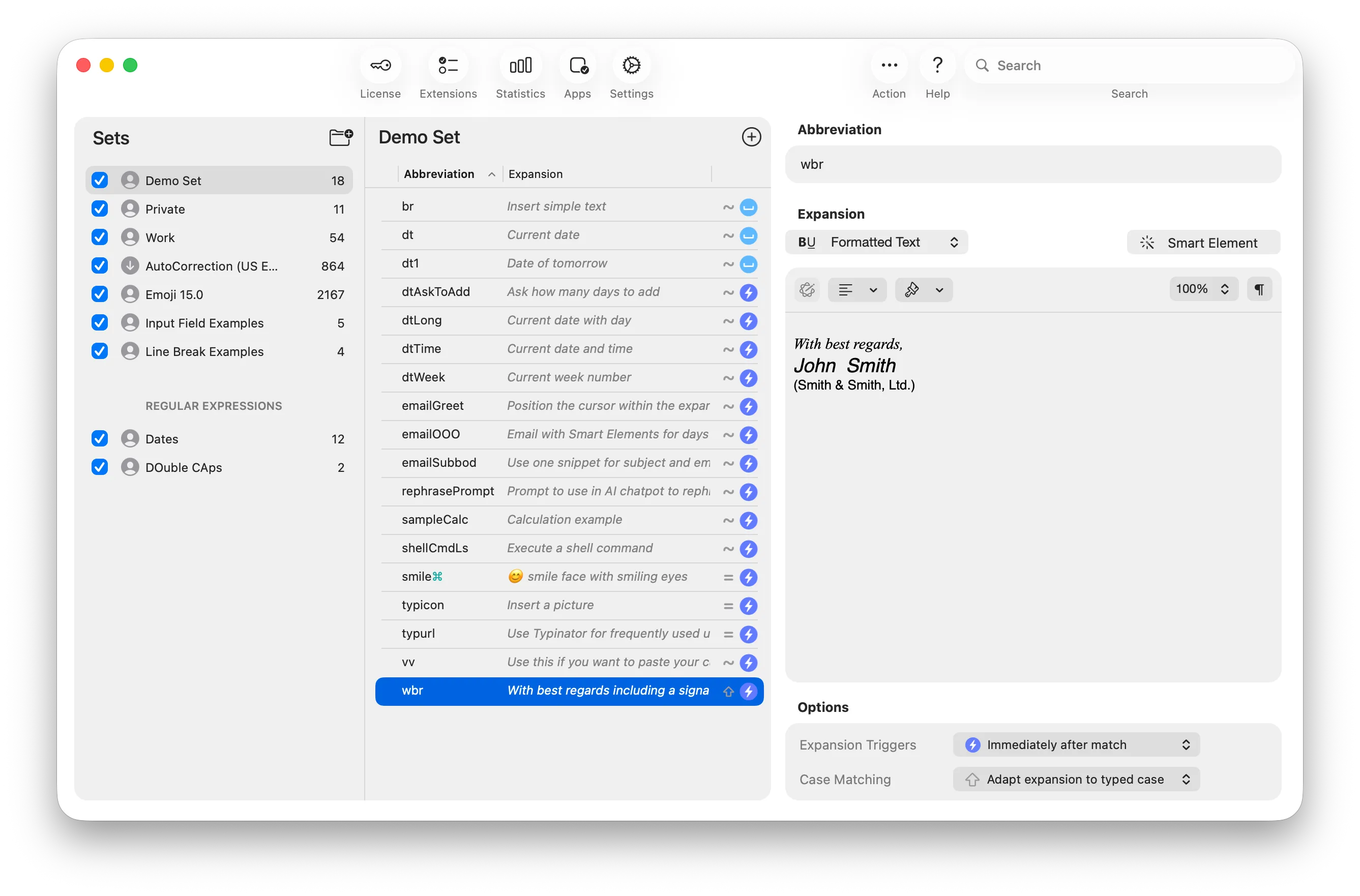
Type "addr" → get your full address. Type "sig" → get your signature.
Create shortcuts for text blocks, images, forms, code snippets, and workflows. Add variables for dates, clipboard content, and custom fields. Fill interactive forms with dropdown menus and automatic cursor positioning.
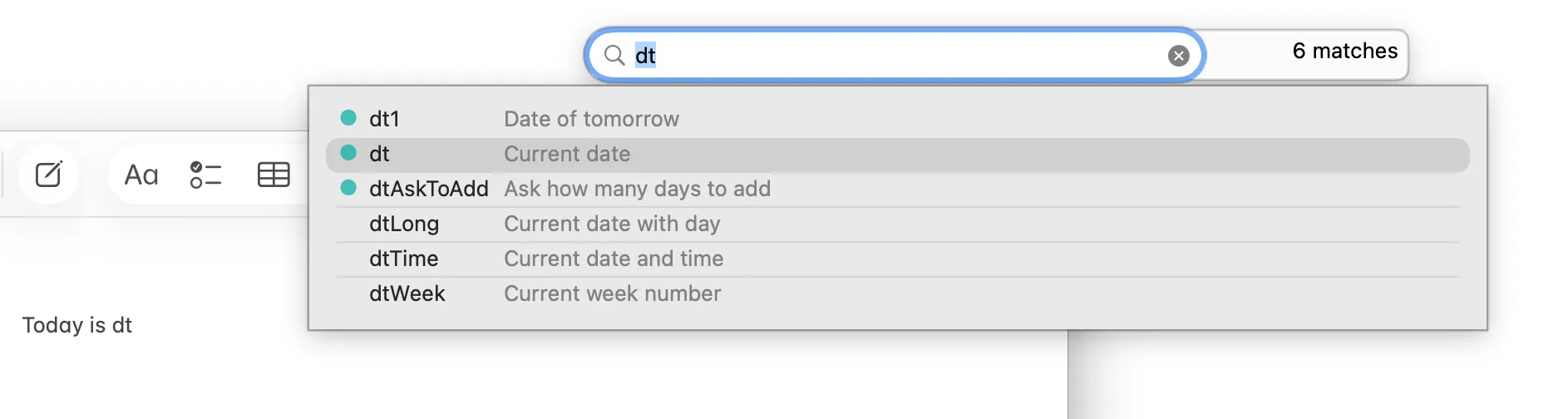
Find snippets instantly
Use Quick Search to find snippets by keyword, or get suggestions as you type. Insert what you need without switching apps or losing focus.

Automate workflows
Store your best ChatGPT, Gemini, or Claude prompts as shortcuts for instant reuse. Power users can execute AppleScript, Shell commands, or macOS Shortcuts to automate complex tasks. Typinator adapts to your workflow.

Built for teams
Share snippets and auto-correction libraries across your team.
Ensure consistent terminology and corporate language across your organization. Everyone uses the same terms and spellings, saving time and increasing productivity.
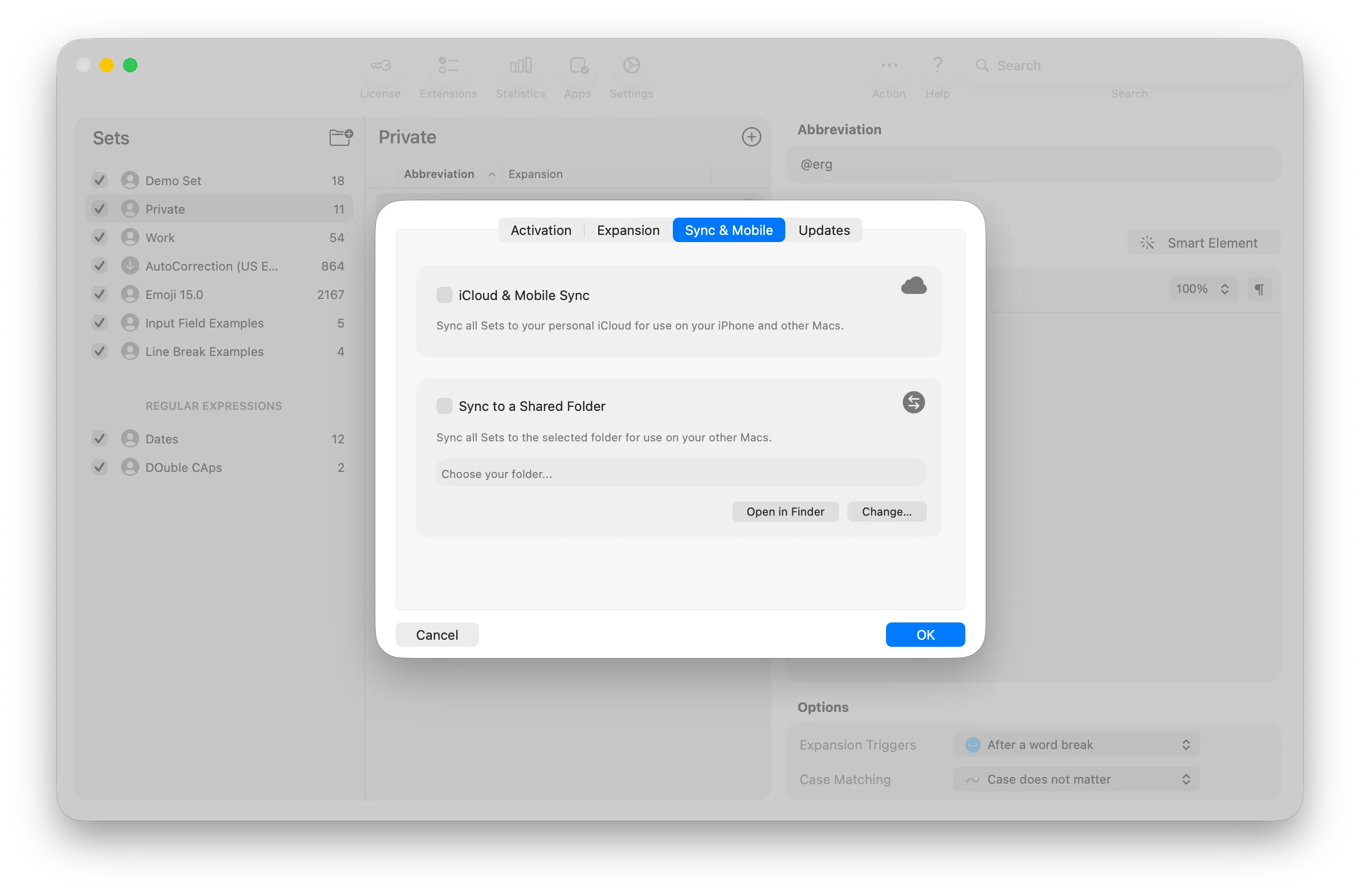
Privacy-first text expansion
Typinator stores snippets locally on your device. No cloud uploads, no data collection. Choose your sync if needed: iCloud, Dropbox, OneDrive, your company server (NAS, WebDAV), or any network location. Your data, your infrastructure.
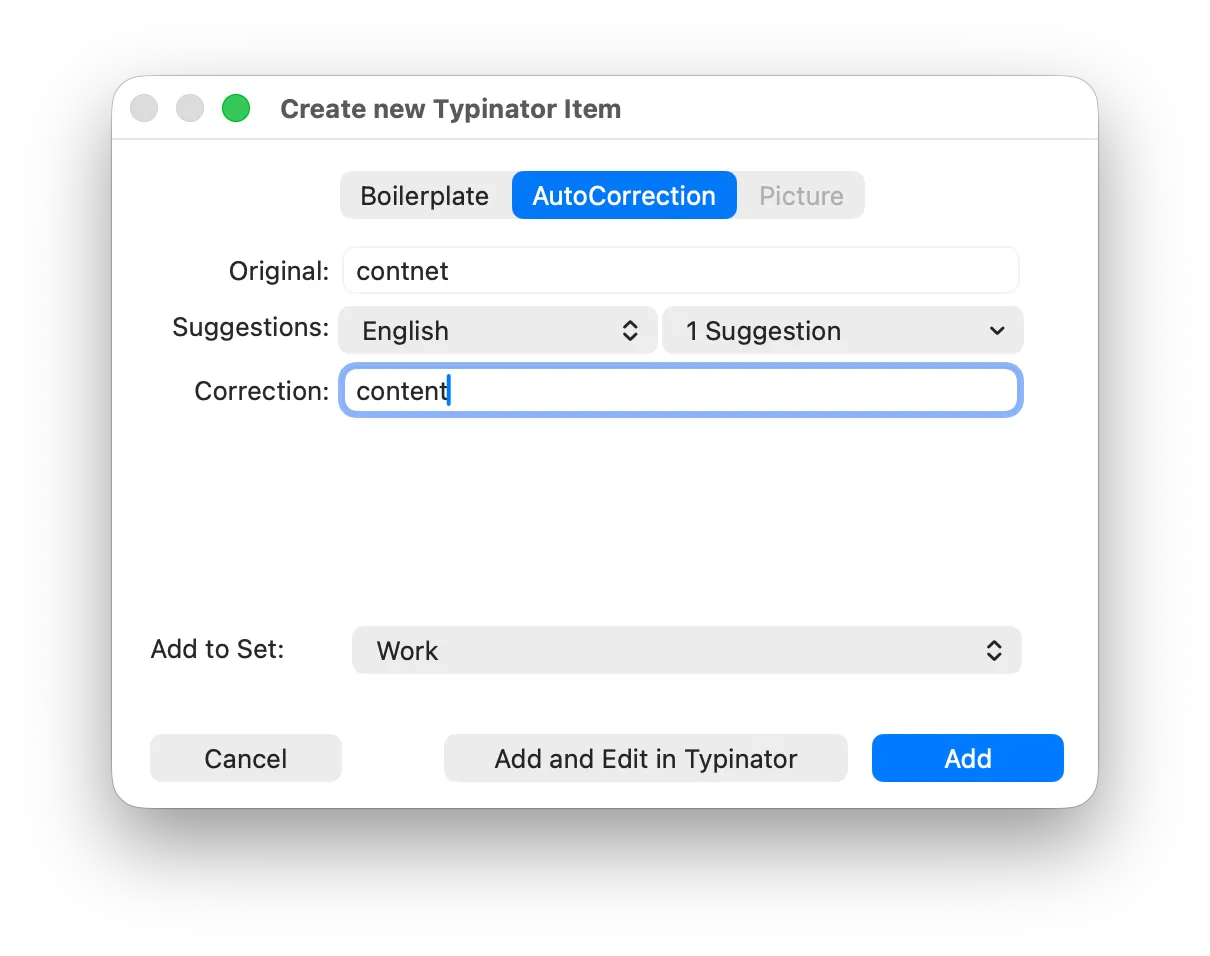
Automatic typo correction
Benefit from predefined autocorrection sets for common typos in multiple languages. Add your own corrections for brand names, technical terms, or company-specific language. Reduce errors and maintain professional communication across teams.
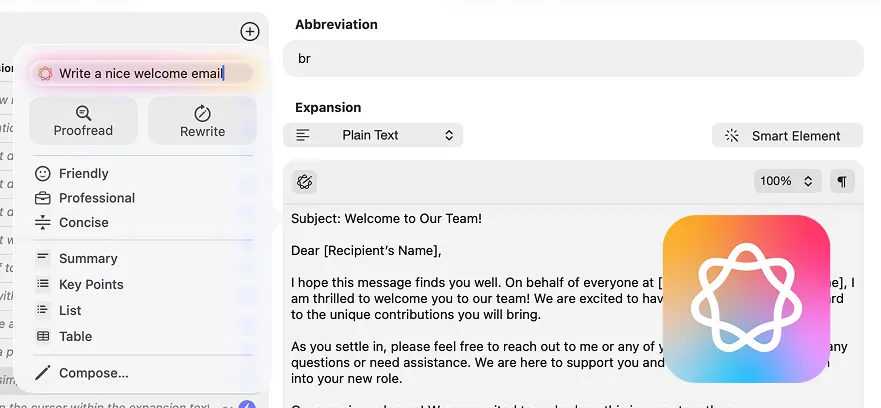
Apple Intelligence integration
Use Apple Intelligence while building your snippet library. Generate variations, translate templates, optimize wording. AI assists creation, snippets work instantly.

Typinator loves PopChar
Insert special characters even faster with Typinator and PopChar. You have both apps up and running - just type "pop: smiling" in your Typinator quick search and try it out.